

Knoon supports Nano Banana, Facebook, Instagram, TikTok, Threads, and X for social media marketing
Knoon now lets your AI agents create, review, schedule, and publish social media content across multiple platforms in one workflow. Automate content creation, add approval steps, and maintain consistent posting—without switching tools or writing scripts.
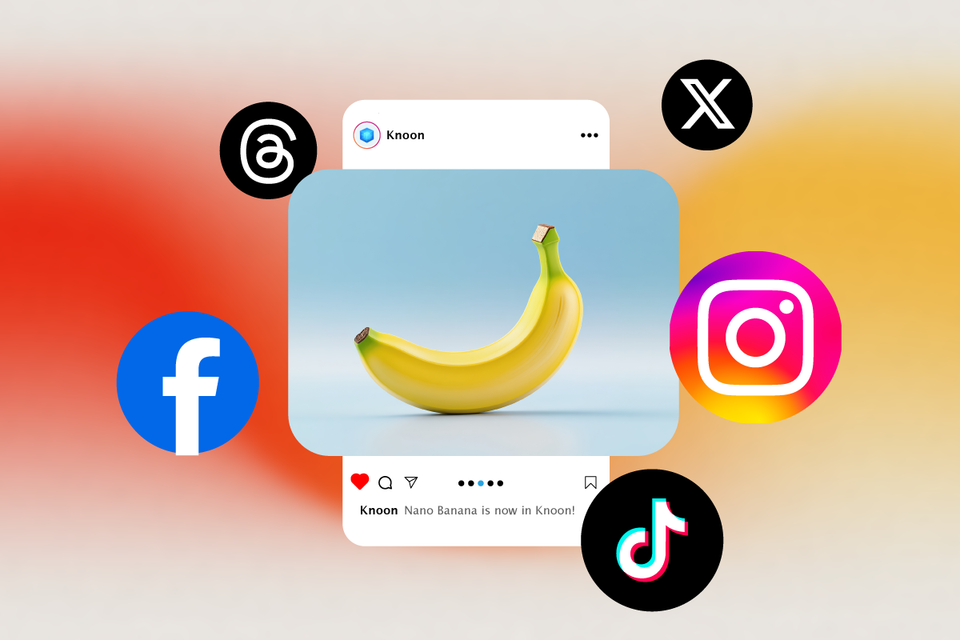
We’re excited to announce a major update 🚀
Knoon now integrates with Nano Banana, Facebook, Instagram, TikTok, Threads, and X — all in one place.
Your AI agents can now create, review, schedule, and publish content across multiple channels—without switching tools or writing scripts.
What This Unlocks
1. Auto Content Creation
Your Knoon agent can:
- Pull product info directly from your website
- Generate platform-specific captions
- Suggest hashtags and tone (formal, fun, viral)
2. Approval Workflows (Optional)
Stay in control with:
- Pre-publish approval steps
- Draft routing to managers or teams
- Automatic publishing after approval
3. Scheduling & Consistency
- Schedule posts in advance
- Maintain a consistent posting cadence
- Let agents handle daily publishing automatically
How to Setup Nano Banana & Social Media
Step 1: Add Nano Banana Tool
- Go to Knoon → Bots → Tools
- Press Create
- Input the name and description of the tool
- Change visibility to Internal
- Select an App Action → System → Nano Banana
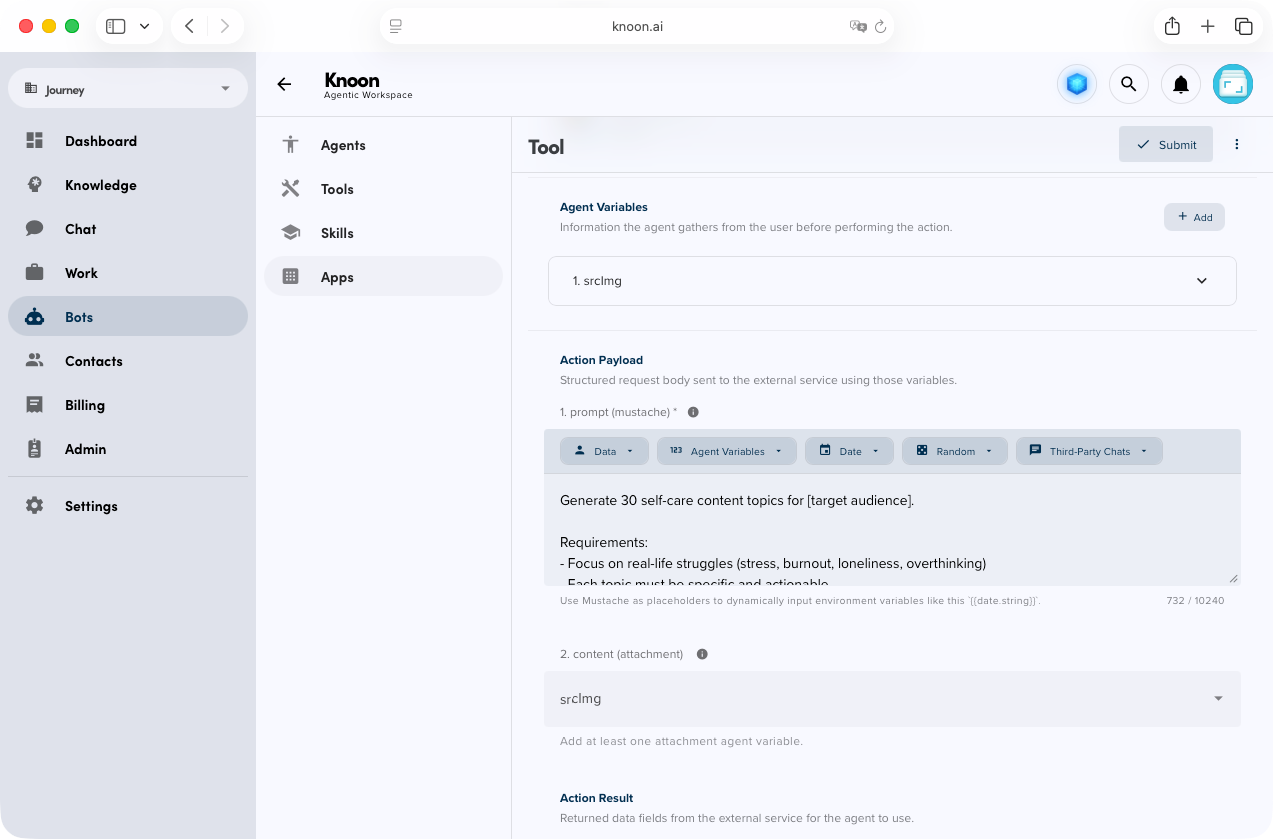
- If you wish to use Nano Banana to generate a reference image, add this parameter in the agent variable (Optional):
- Name: srcImg
- Description: Source Image
- Type : Attachment
- In the action payload prompt, add your prompt. E.g. Generate an image of a cat in cartoon style.
- If you wish to use the reference image in the prompt, write: Generate an image similar to {{srcImg}} style.
- Press submit
Step 2: Add Social Media Publishing Tool
- Go to Knoon → Bots → Tools
- Press Create
- Input the name and description of the tool
- Change visibility to Internal
- Select an App Action → Social
- Select the social network you want to add e.g. Instagram, Facebook, Tik Tok, X
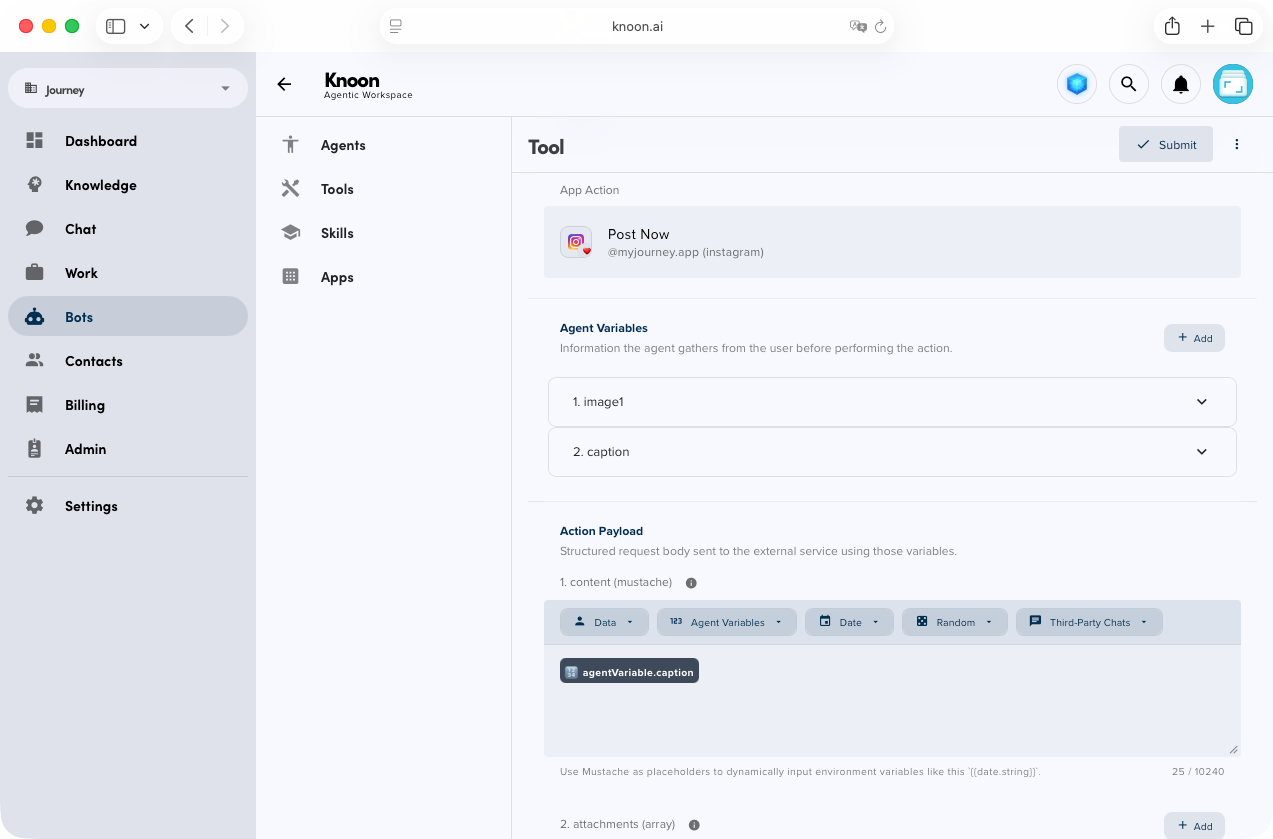
- In the agent variable, add the first parameter:
- Name: image
- Description: Image of the social media post
- Type : Attachment
- In the agent variable, add the second parameter:
- Name: caption
- Description: Caption of the social media post
- Type : String
- In the action payload content, insert {{caption}}
- In the action payload attachment, choose {{image}}
- Press Submit
Step 3: Add Agents
- Go to Knoon → Bots → Agents
- Press Create
- Input the name and description of the agent E.g. Social media maker: Generate a social media post with caption and publish it to Instagram
- Change agent type to Work
- Select the tools that you have created i.e. Nano Banana and social media publishing
- Press Submit
Step 3: Create Workbox
- Go to Knoon → Work → Work Boxes
- Press Create
- Input the name and description of the work
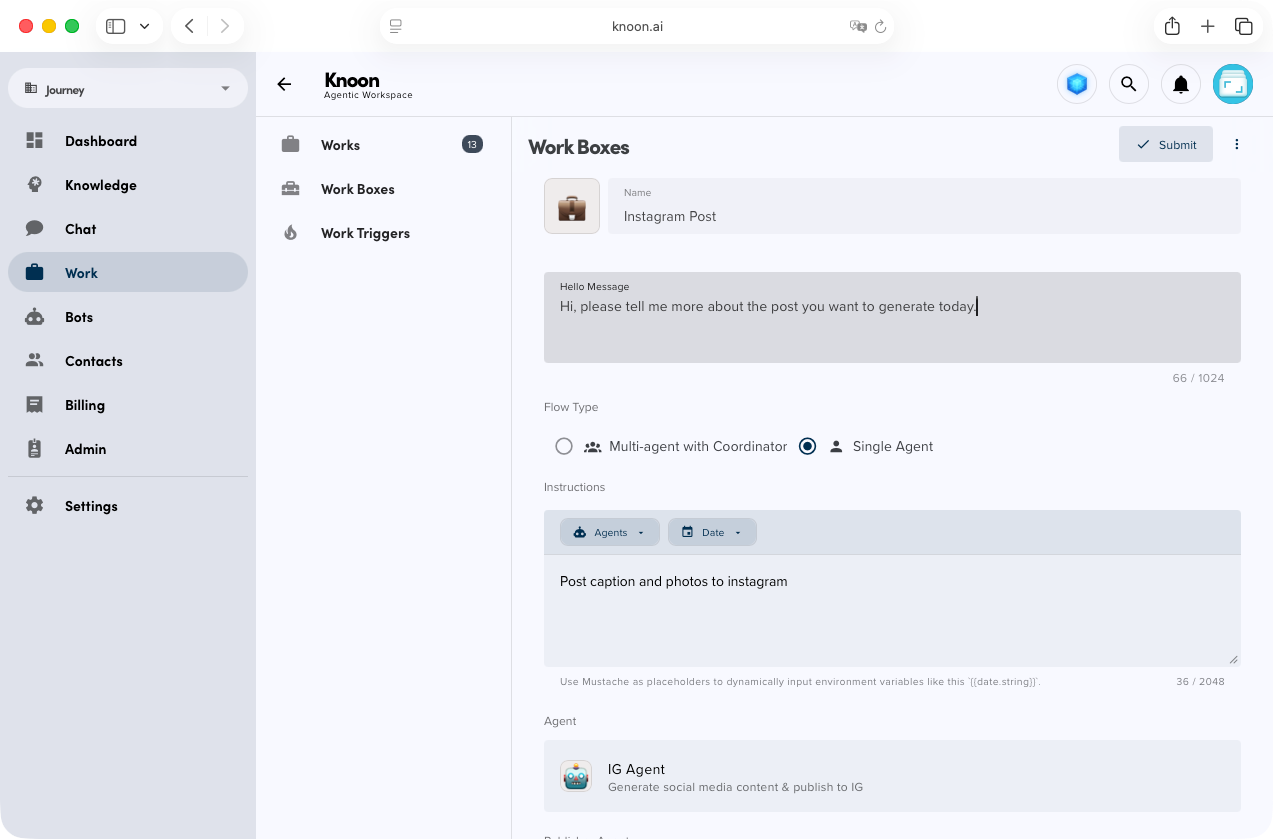
- Select Single agent
- Add a simple instruction. E.g. The task of this workbox is to generate a social media post and caption and publish them to Instagram
- Select the previously created agent agent
- Press Submit
💡
Create a dedicated Publishing Agent and equip it with the social media publishing tool. Then create a workbox using multi-agent with coordinator flow type, assign this agent as the Publisher Agent within your Work Box. Finally, enable human-in-the-loop and turn on publishing approval.
Step 4: Start Running!
- Go to Knoon → Works
- Press Start
- Select the Workbox
- Type a message to initiate the process.
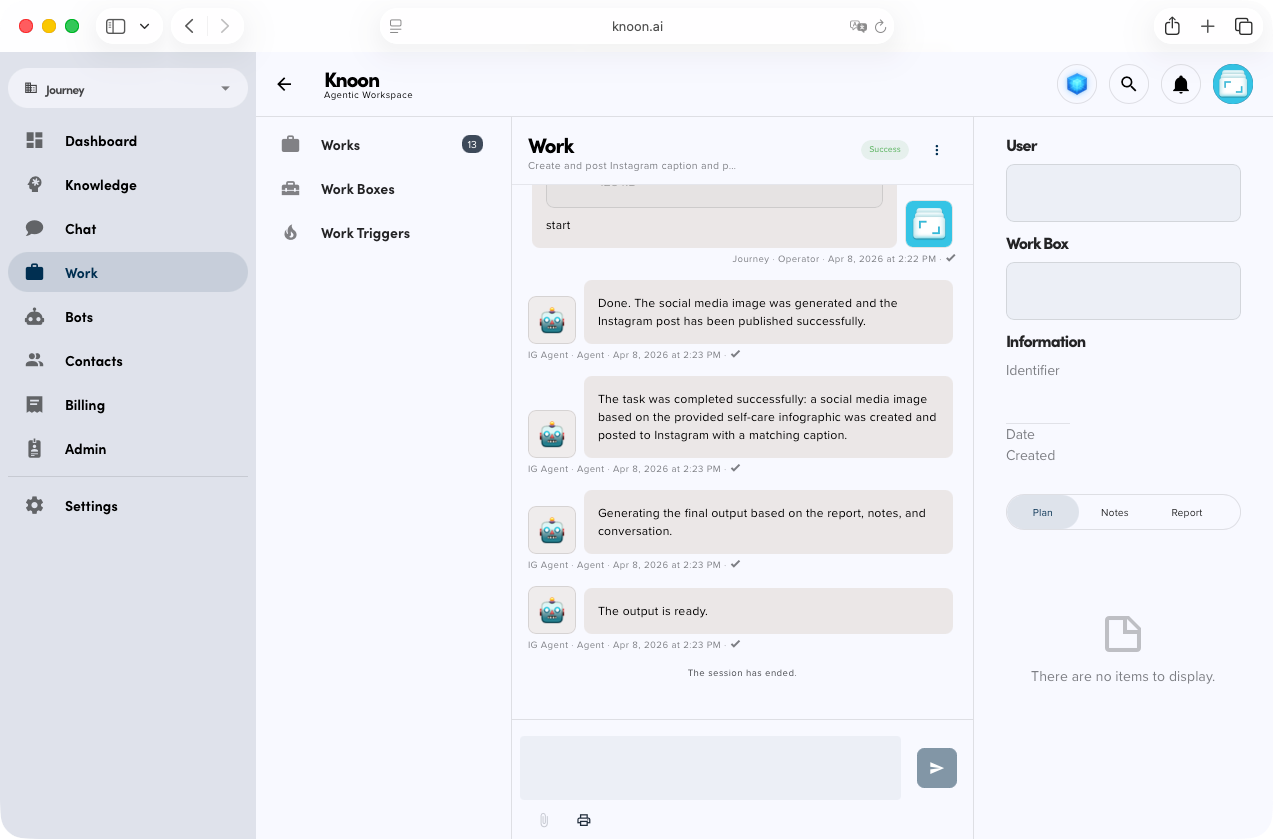
💡
You can also initiate this workflow to the Knoon Personal Assistant Whatsapp Messenger, Microsoft Teams or set a daily trigger.
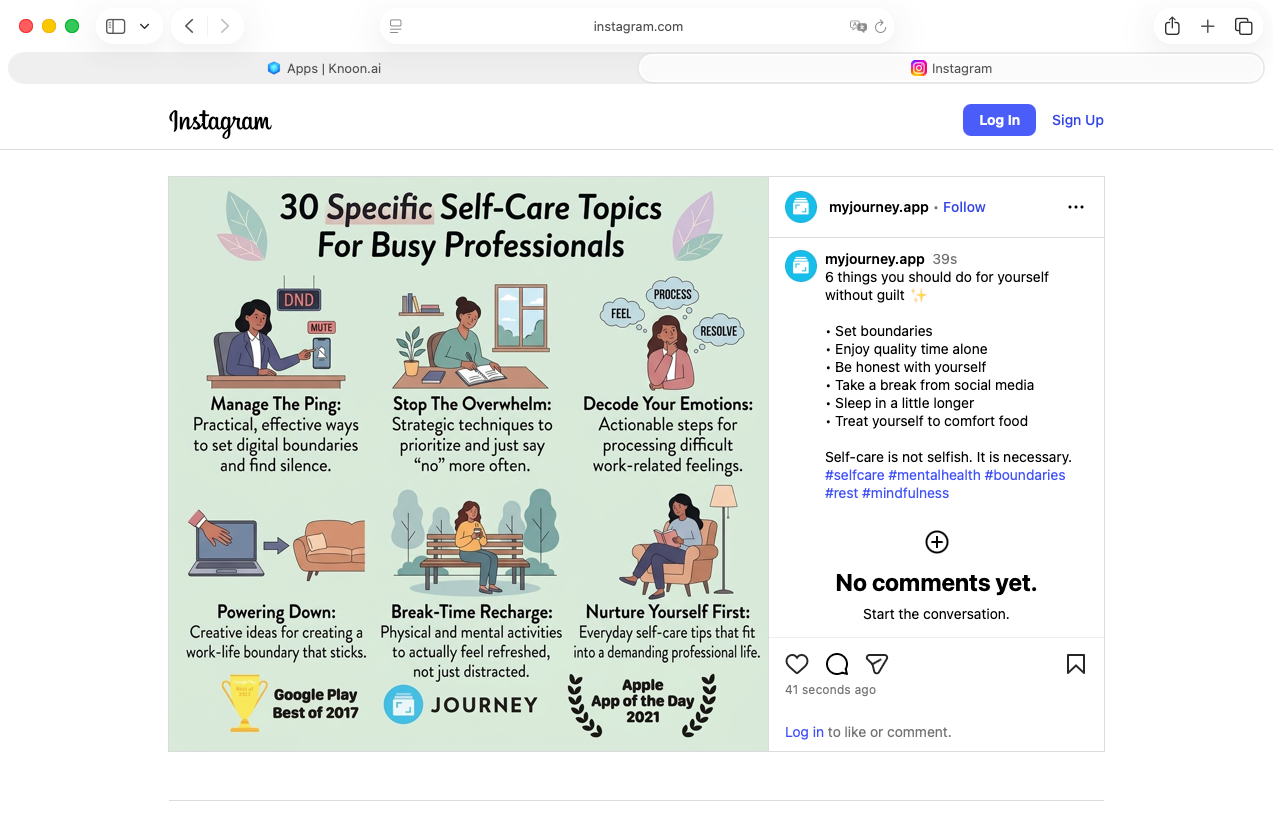
Set up your first social media workflow in minutes and let Knoon handle the rest.
Whether you’re a founder, marketer, or agency, you can now turn a simple idea into fully published content across multiple platforms—automatically.
Start small:
- Create your first agent
- Connect your channels
- Run your first post
Then scale:
- Add approvals
- Automate daily posting
- Manage multiple brands with ease
Your AI agents are no longer just assistants—they are your social media team.
Ready to try it?
Log in to Knoon and launch your first workflow today.