

I Built a Candidate Screening Workflow That Screened 100+ Interns in Minutes (and Sent the Emails for Me)

A few months ago, we opened intern applications. More than 100 resumes and transcripts came in. They were all saved in my OneDrive folder. At first, I thought I could finish this in a few hours.
I was wrong.
This was my old manual process.
- First, I downloaded a resume and a transcript.
- Then I opened both files.
- I read the resume.
- I checked the transcript.
- I checked if the GPA met my criteria.
- I looked for relevant skills and experience.
- I searched for the candidate’s email in the resume.
- I checked that the email matched the name.
- I wrote an email.
- I sent it.
Then I did the same thing again for the next person.
If I am honest, each candidate took about five minutes. With more than 100 candidates, this meant many hours of tedious and repetitive work. After a while, it was hard to stay focused. It was also easy to make mistakes. 😓
So I decided to build a workflow in Knoon to do this work for me.
The Workflow I Built in Knoon
Knoon is a multi-agent workspace. What I like about Knoon is that you do not need to write code to build a workflow. You can give all instructions in simple language. In this setup, I built a simple candidate screening workflow using 4 agents.
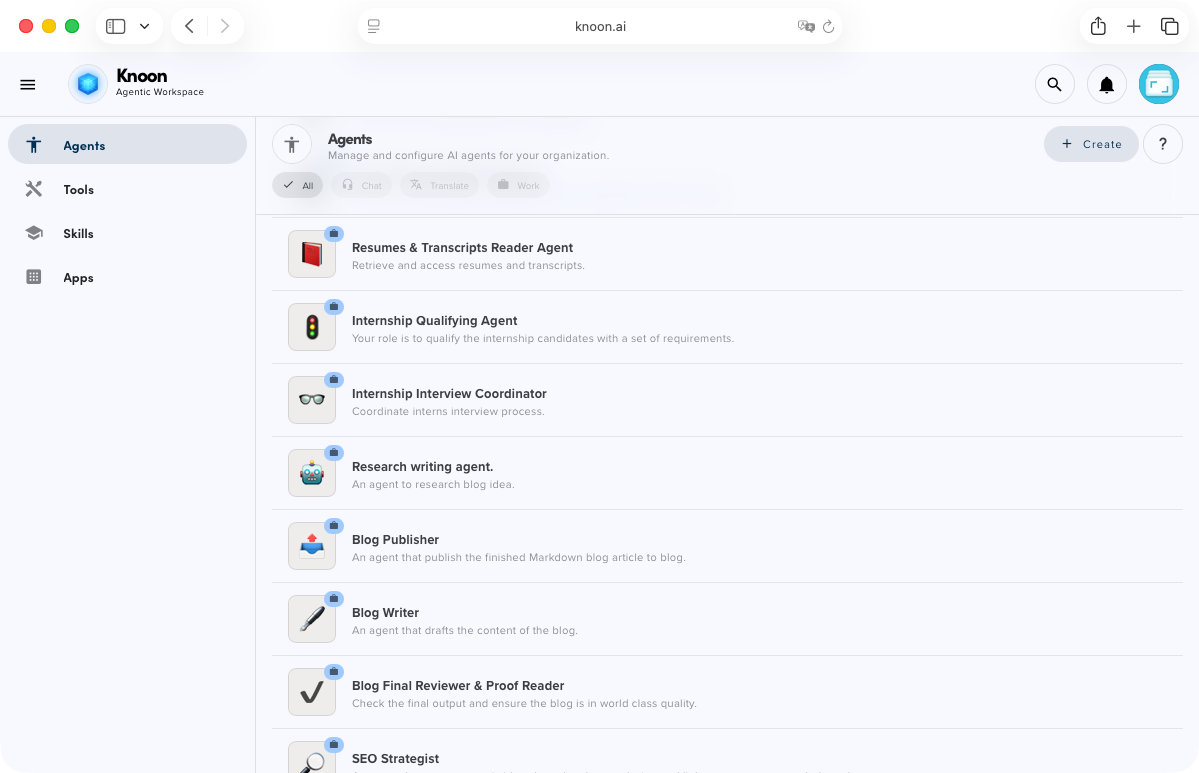
The first is a coordinating agent 🐙. This agent runs the whole process and tells the other agents what to do.
The second is a retriever agent 📂. This agent connects to OneDrive. It lists all the files in my resume folder, opens each file, and converts PDF files to markdown so they are easy to read.
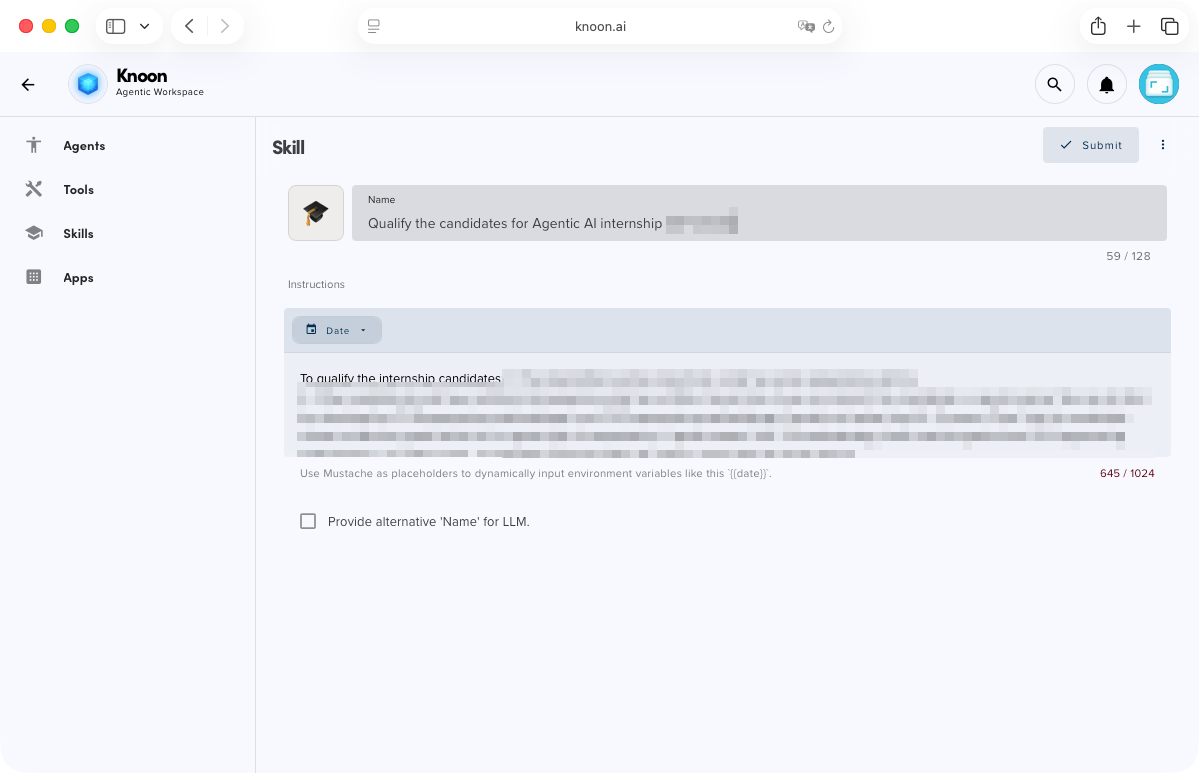
The third is a qualifier agent 🧐. This agent does the screening work based on the skills I give it. These skills are rules that I set, such as a minimum GPA, a specific module grade, or certain experience I am looking for (I am not going to reveal those here 🤫). It also records the candidate’s name and email. Then it decides if the candidate meets the criteria.
The last is an email sender agent 📧. This agent writes the email and sends it using my company email.
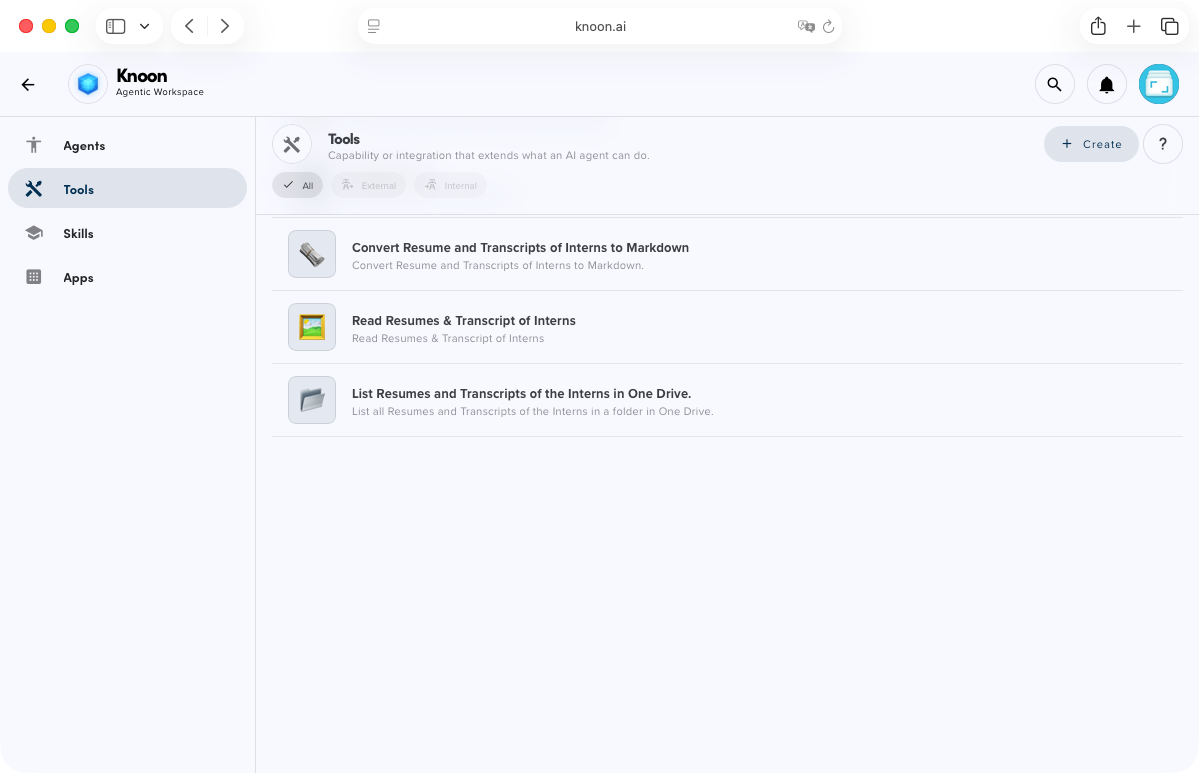
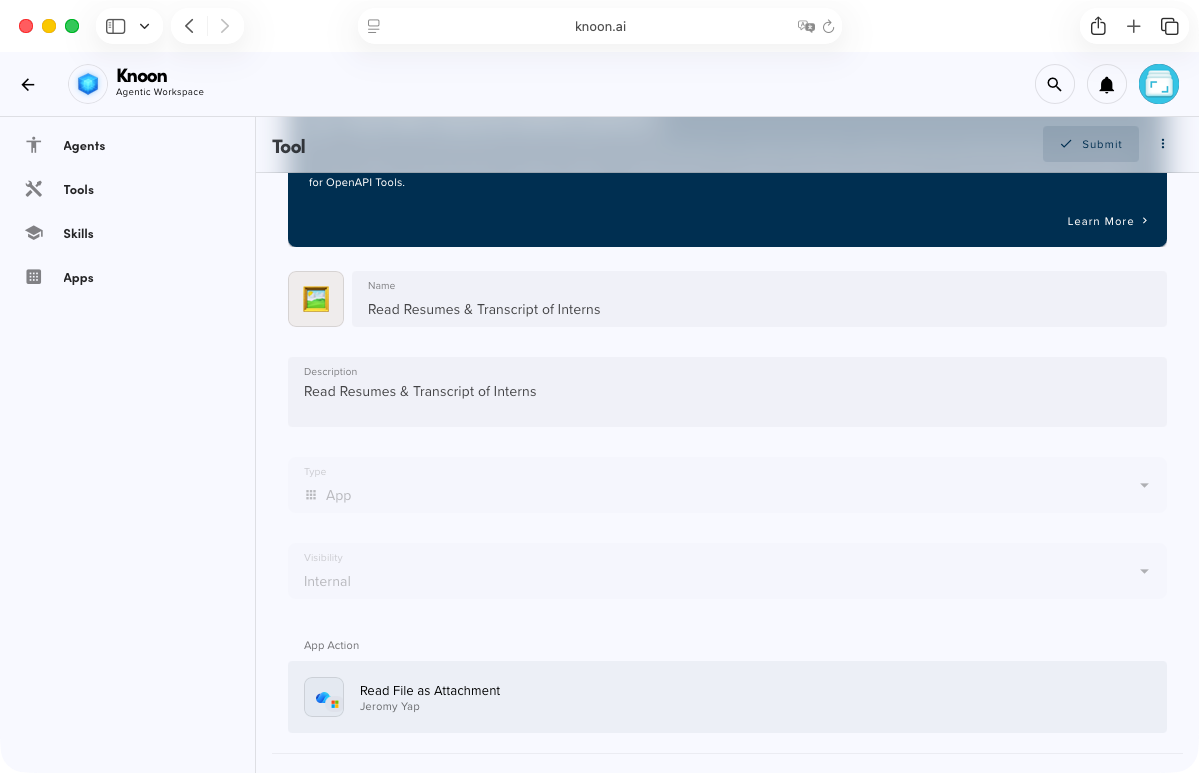
Knoon supports built-in tools for third-party apps such as OneDrive and SMTP for email. It also includes a built-in PDF to Markdown converter.
The workflow uses only a few tools.
- List files in a OneDrive folder
- Read a file from OneDrive
- Convert PDF to Markdown
- Send email using SMTP
That is all. 🥳
Before this, I had to open and read every file myself. I had to check every GPA by hand. I had to copy and paste emails again and again. It took many hours.
Now I just start the workflow.
In a few minutes, Knoon reads all resumes and transcripts. It checks them against my criteria and finds the right candidates. It shows me the results so I can make the final decision. Then it sends the emails. Everything is done in a clean and consistent way.
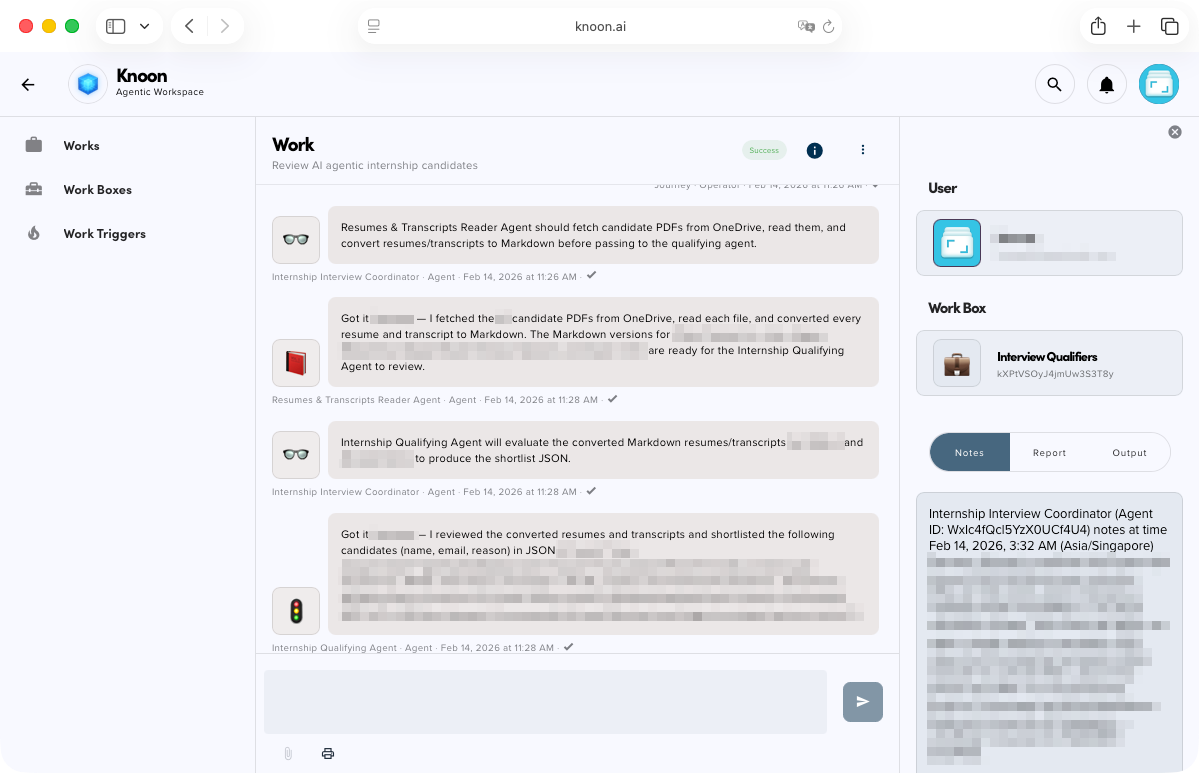
Now I can focus on interviews and real decisions. I do not need to spend a whole day downloading files and sending emails one by one.
If your work looks like this, information comes in, someone checks it, someone decides, and someone sends a message, then you can turn it into a Knoon workflow.
If this sounds useful, try Knoon or send me a message on LinkedIn.
I am happy to share how I built it!